Simplifying financial workflows for small businesses
Designed accounting workflows and product features that made financial tasks clearer, faster, and easier for small business customers through usability-focused product improvements.
Role
Product Designer
Scope
Product design, workflows, prototyping, releases
Impact
Improved usability for SMB customers
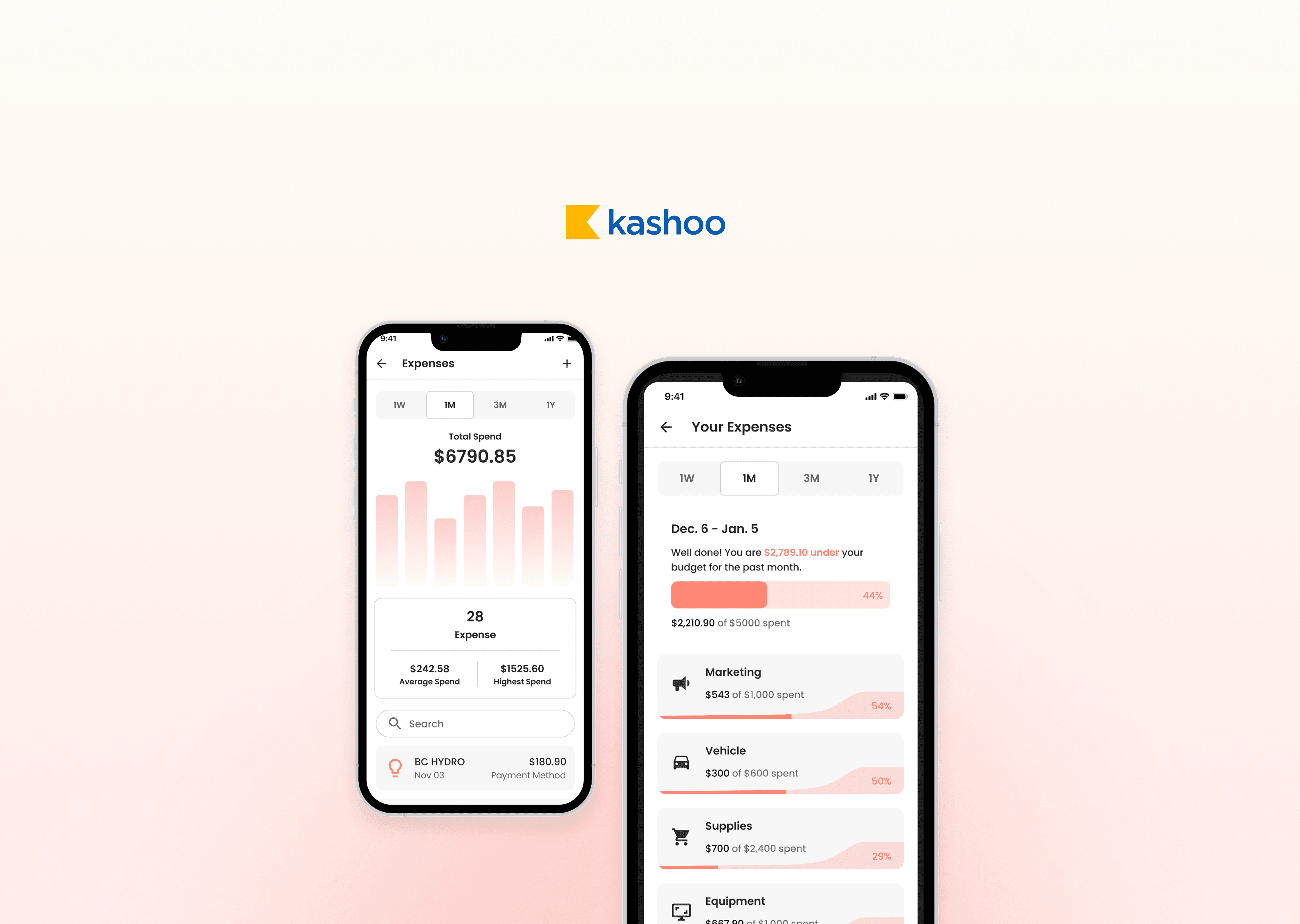
Designing end-to-end workflows across mobile and web
Kashoo supports a range of financial tasks — from tracking expenses to managing reports.
While functionality was available, the experience felt fragmented.
Users had access to the right tools, but workflows lacked clarity, structure, and flow.
Key challenges
Unclear workflows and fragmented task flows
Inconsistent experience across mobile and web
Key actions not surfaced at the right time
High cognitive load during core tasks
Higher invoice completion
Less manual bookkeeping
User-rated ease of use
Users weren’t struggling with features — they were struggling with clarity
The issue wasn’t missing functionality — it was how information and actions were presented.
Users often knew what they needed to do, but not where or how to do it efficiently. Important actions were buried, and workflows felt more complex than necessary.
The experience required effort — instead of guiding users naturally through their tasks.
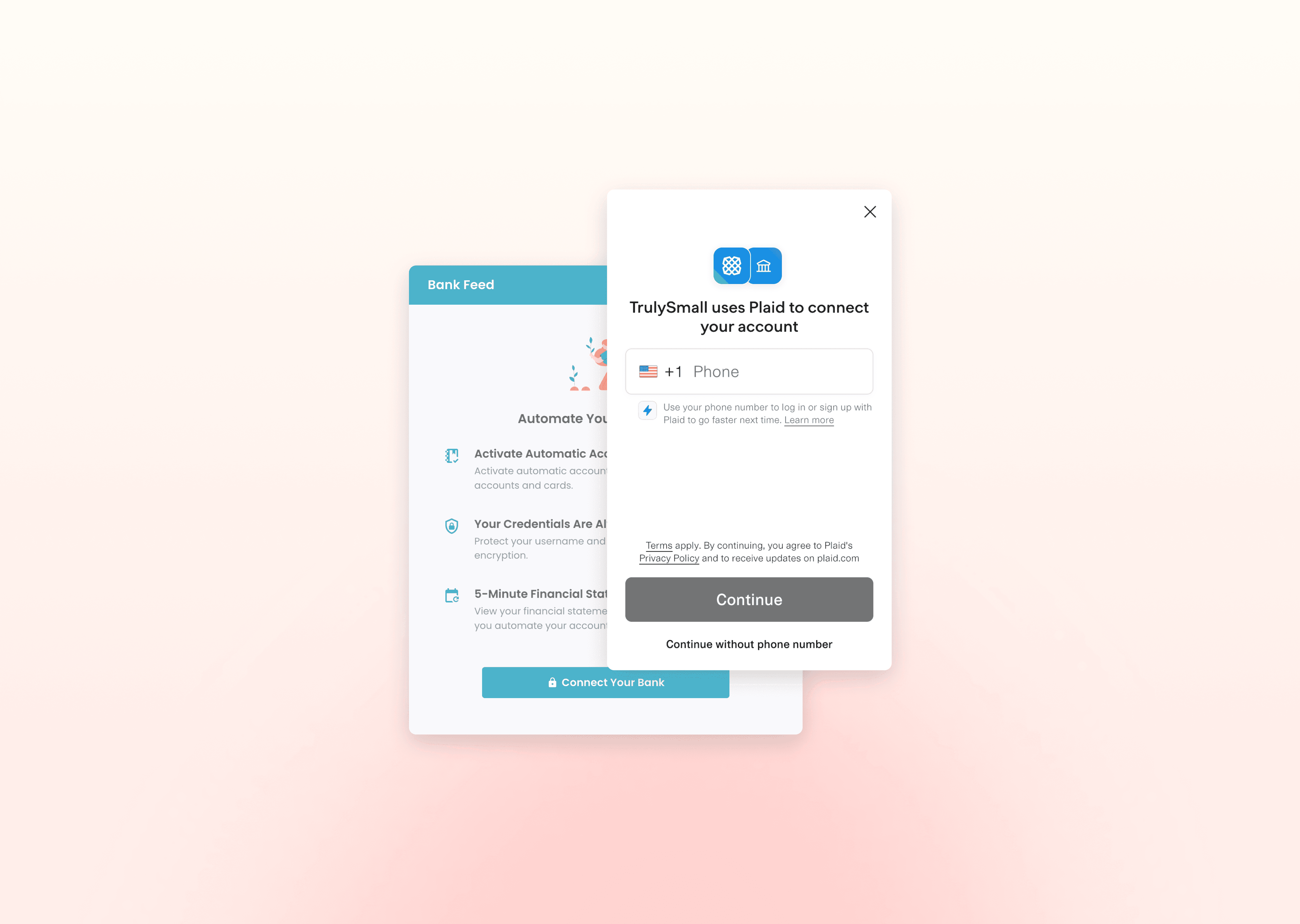
The problem wasn’t missing features — it was complexity
Adding more features wouldn’t solve the issue. The focus shifted to simplifying how tasks are structured and completed.
This meant reducing unnecessary steps, creating clear entry points into key actions, and designing predictable, repeatable patterns that users could rely on across the product.
Designing around real workflows, not product boundaries
The experience was restructured around how users actually complete financial tasks.
Instead of thinking in isolated features or screens, workflows were simplified into clear, connected steps. Each action leads naturally into the next, reducing friction and improving flow across both mobile and web.
This created a more intuitive experience where users could move through tasks without needing to stop and think.
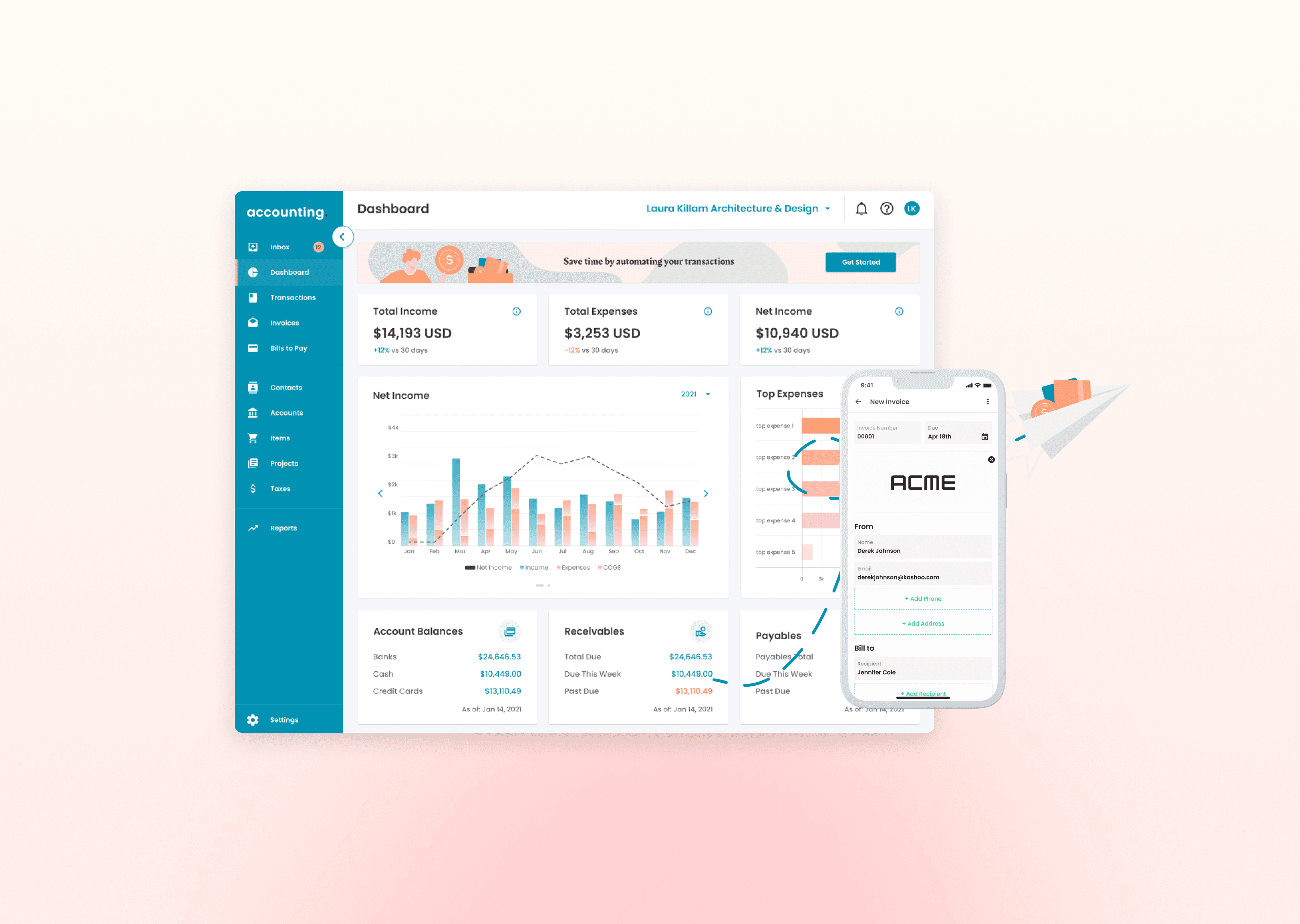
Simplifying complex workflows into clear, usable systems
Accounting tasks can be dense and detail-heavy. The goal was to make them feel manageable, focused, and easy to navigate.
Complex processes were broken down into clear steps, supported by stronger hierarchy and better visibility into key information.
Clearer task progression across workflows
Improved visibility into data and actions
Reduced cognitive load when completing tasks
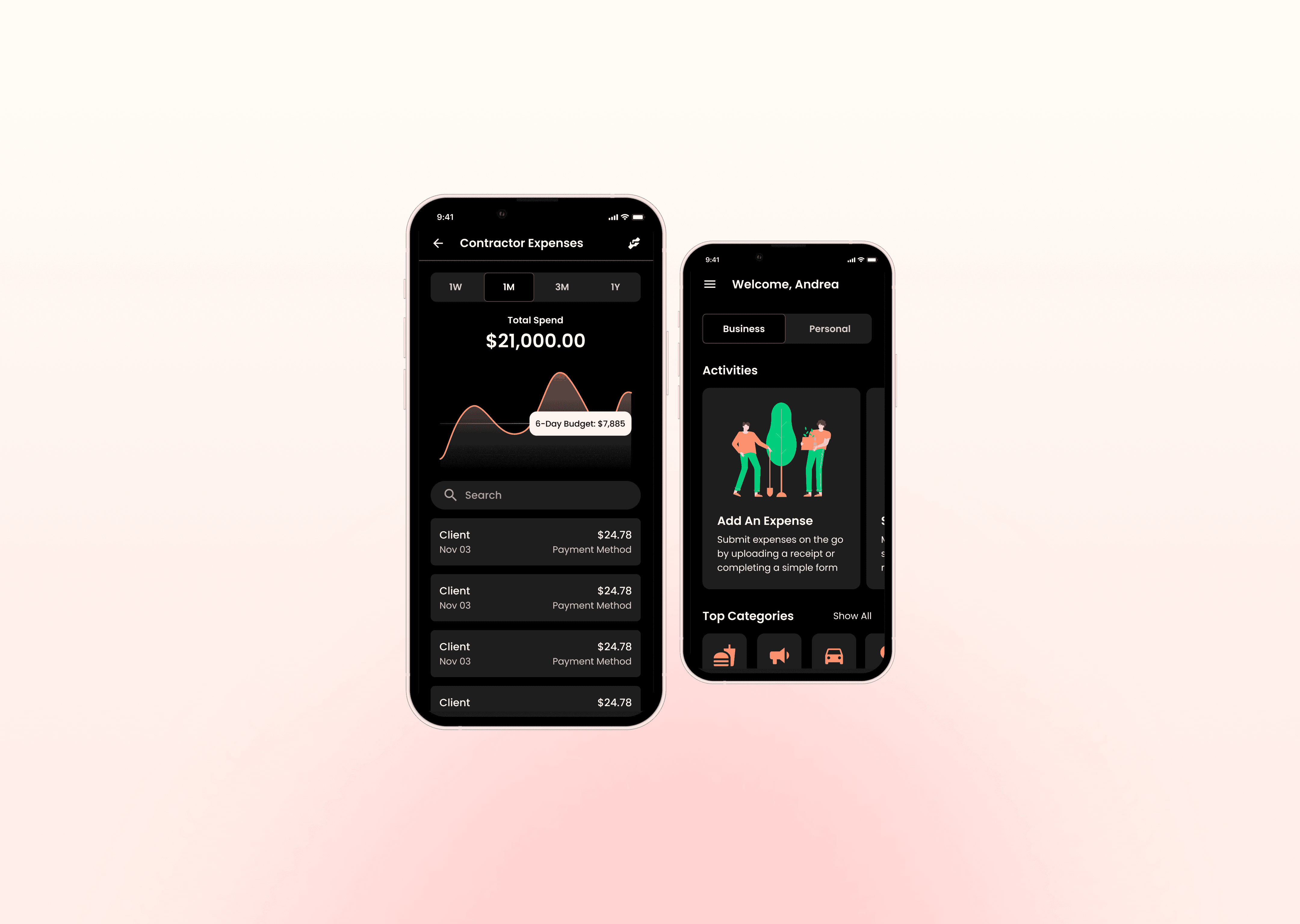
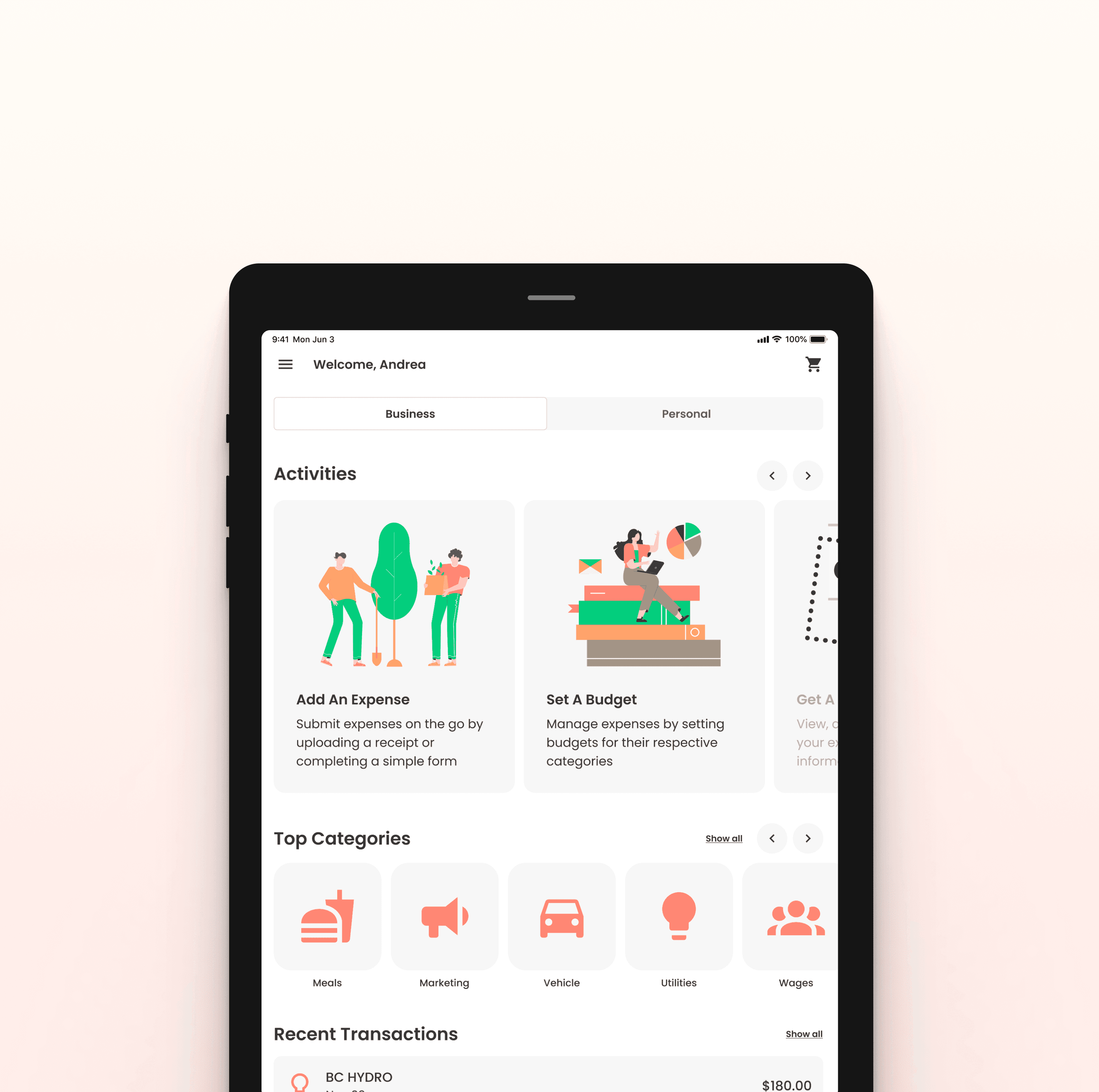
Creating consistency across surfaces
Consistency became key to reducing confusion and building trust.
Shared patterns and behaviors were introduced across mobile and web so users didn’t have to relearn interactions in different contexts. This created a more cohesive experience where actions feel familiar, regardless of device.
Building around three core workflows
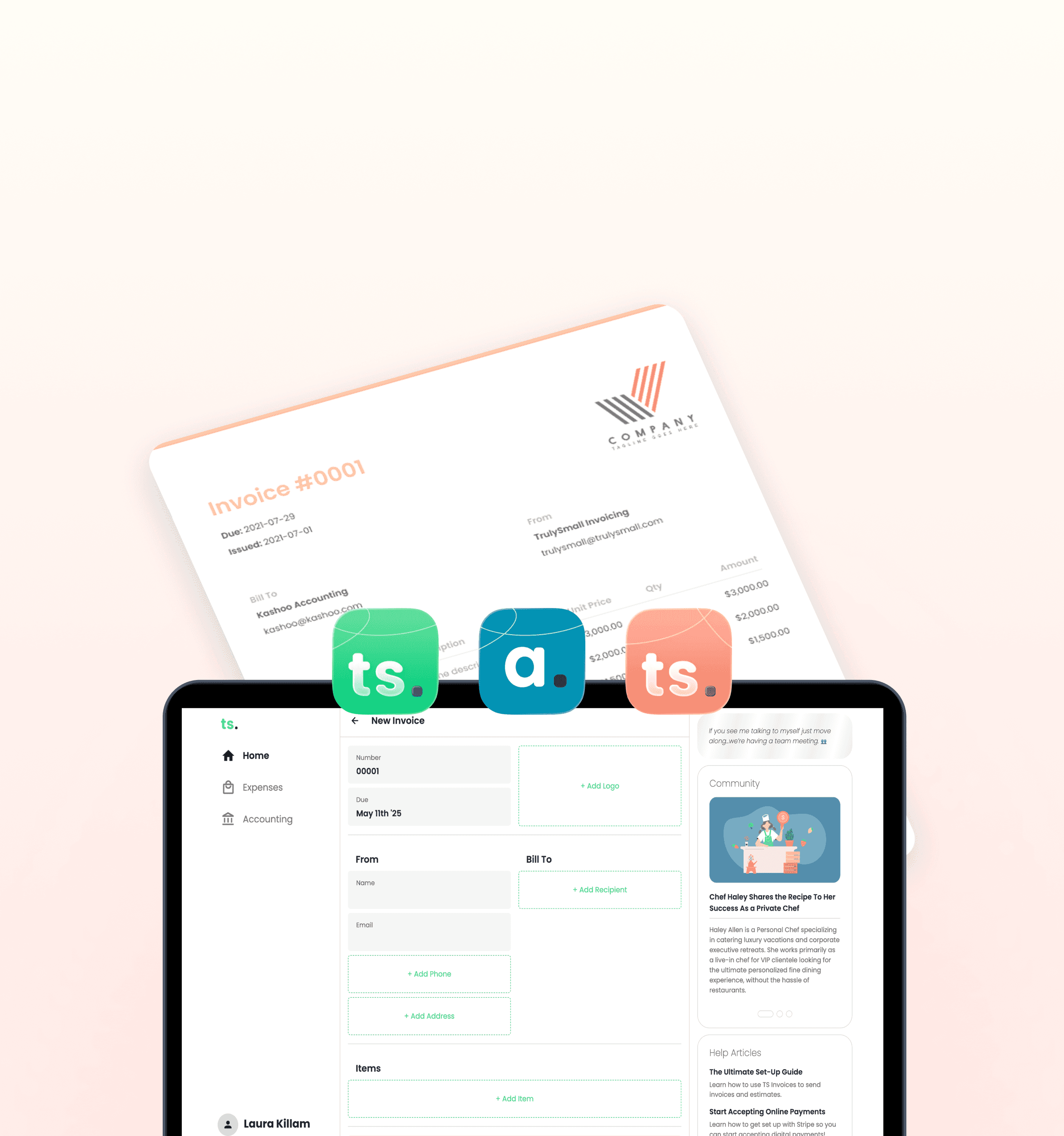
The product was structured around three core areas: accounting, invoicing, and expenses.
Accounting provides the foundation, while invoicing and expenses support how users manage money in and out. These workflows were designed to feel connected and continuous, not separate.
By aligning the experience around how users actually operate, tasks become easier to navigate and more intuitive to complete.
Outcome
The redesigned experience created a more cohesive and intuitive product suite.
It improved usability across core workflows, reduced friction between tools, and better supported how small businesses manage their finances day to day.
The product shifted from a set of features to a more unified experience.
Product impact
Simplified core workflows
Improved clarity of financial data
Reduced friction in navigation
Increased consistency across key flows
Made the product more intuitive to use